Colorado Sun on Cotton Bureau
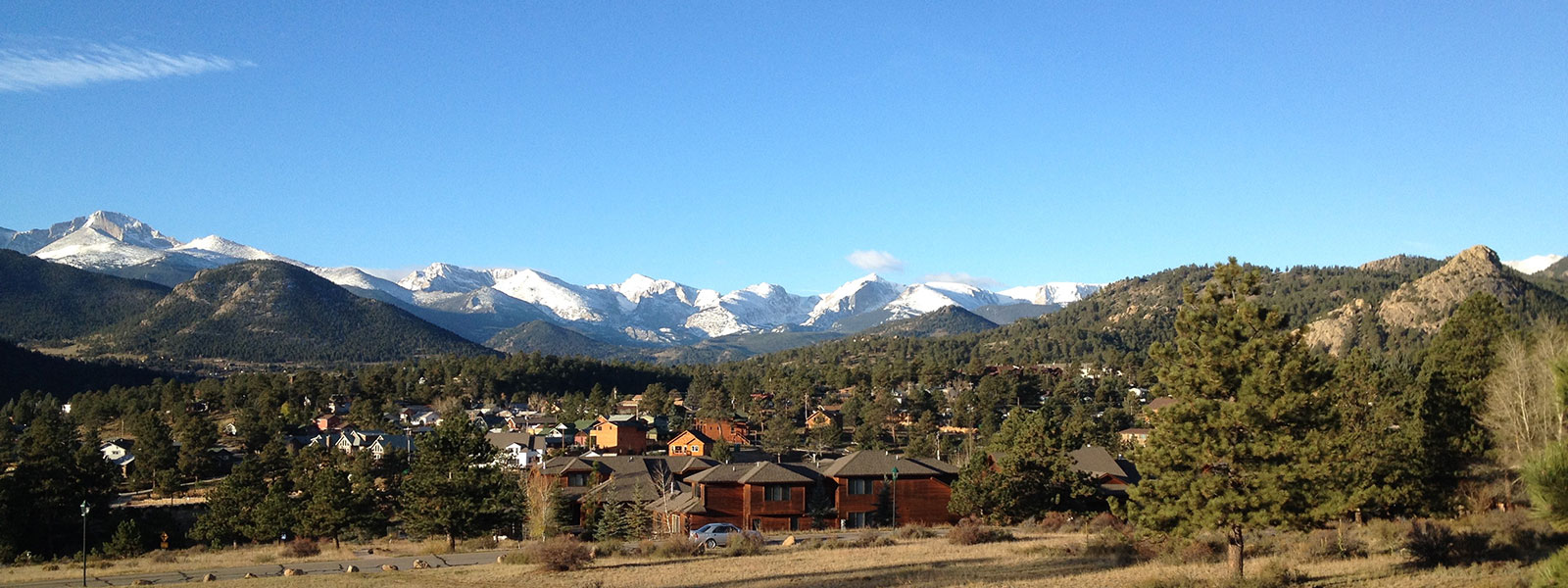
My family & I recently moved to Denver and we love it here! Something about the sun and the mountains sparked a little creativity in me, so I designed a t-shirt and Cotton Bureau is selling it!
Moving Again
A year ago, my family & I moved to Charlotte. The job that took us there was really good for me: I learned a lot, worked with some talented developers, and contributed to some exciting projects. We also met and fell in love with a small church called CityLight. I enjoyed being part of the preaching team and Audrey loved being part of the worship team. Needless to say, it was really hard to leave that church family behind.
Moving On
Entire Dissertation Complete
It’s been a while since I posted an update here, but at long last, everything is done. On March 13, I successfully defended my dissertation. Last week I received word that all my final editing is complete. Just waiting for printed copies & commencement weekend now!
Entire First Draft Approved
I just received word from my committee today that my final content chapter and conclusion are approved. I’ve revised the first 4 chapters and have until February 15th to complete the revisions on the rest of the first draft.
Chapter 5 Approved, Chapter 6 Submitted, Chapter 7 In Progress
I haven’t updated this for a while, but here’s the recent progress. Chapter 5 was approved, bringing my approved progress past two-thirds. Chapter 6 is with my committee now;
ifwhen they approve it, I’ll have almost 80% approved.Chapter 5 Submitted
I’ve hit the 2/3 mark in page and word count. It’s all downhill from here…
Chapter 4 Approved
This week, my committee approved Chapter 4. That pushes my “Approved” progress bar past halfway!
Chapter 4 Submitted
It’s out of my hands now, at least for the moment. Just finished revising Chapter 4 by the same criteria my committee asked for with my Chapter 3 revisions.
Chapter 3 Approved

Received confirmation from my committee that my revisions to Chapter 3 have been approved. Of course, this bumps up my approved progress meter significantly. Now to finish revisions on 4…
